Getting Your Feedburner Settings Updated
As feedburner has moved to Google, there are some things to make sure your feed has no difficulty with iTunes and your subscribers.
First off feedbruner is a service that allows you to track the number of subscribers while adding additional functionality to your RSS feed. One of those features is the extra tags for iTunes. However, recently feedburner changed their service and now you have a new RSS feed.. The old RSS feed will point at the new one, but for the future you need to update iTunes with the new RSS address.
In Podpress this is easy. There is a setting in the iTunes tab where you tell it what RSS feed to use, and on the left hand side you select “YES” to the “Is this a new feed” drop down. However, keep in mind that Podpress is no longer compatible (without tweaking) with the latest version of WordPress.
I've been recommending PowerPress from Blubrry. This has most of the useful features from Podpress and is compatible with the latest version of WordPress. However to update iTunes with your new feed you need to edit a bit of code. THIS IS NOT A BIG DEAL. Login to your wordpress installation, and download the wp-config.php. Then make a backup copy of this in another folder. Go into the original download and add the text define(‘POWERPRESS_NEW_FEED_URL', ‘https://yoursite.com/feed/'); (and put your new feed address from feedburner). Then upload the file to the exact location you downloaded it from. Over the next week or so (assuming you put out a podcast once a week), iTunes should read your feed, and update their system to reflect the new RSS address.
How do I know if iTunes has found my new feed? Subscribe to your podcast in iTunes, Then click on the name of the podcast (not an episode), and rich click and choose “Show Description”
New Public Webinars
ShopWurld Fundraising – Save Money While You Make Money February 26th at 9 pm EST. This is a free webinar.
Making Money From Your Podcast – March 3rd 9 PM EST. Fee $14.99 (Free for members).
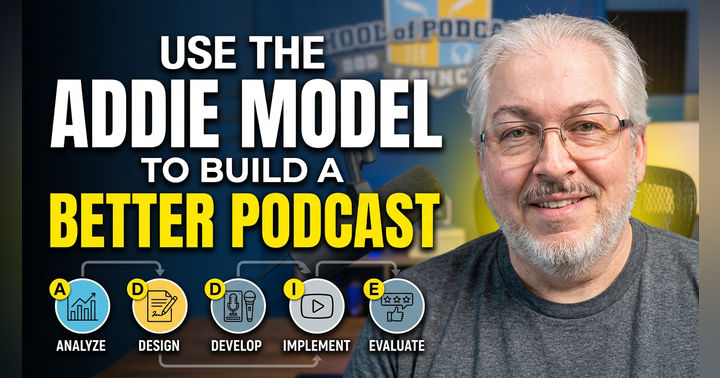
Using the ADDIE Model to Build a Better Podcast